How to Build an Ergonomic Home Office on a Budget
We may earn a commission for purchases made using our links. Please see our disclosure to learn more.
Working from home can feel convenient, but a poor setup can quickly lead to back pain, neck strain, tired eyes, and low focus. You can create a comfortable, body-friendly workspace without spending a lot of money. With the right desk height, chair support, screen position, and a few affordable upgrades, you can create an ergonomic home office that feels better and helps you work more comfortably every day.
Why an Ergonomic Home Office Matters
Many people spend six to ten hours each day sitting at a desk. Unfortunately, kitchen tables, couches, and dining chairs were not designed for long work sessions.
Poor workstation setup can contribute to:
- Neck strain
- Lower back pain
- Shoulder tension
- Wrist discomfort
- Eye fatigue
- Reduced productivity
An ergonomic workspace helps align your body naturally. When your workstation supports good posture, your muscles work less to keep you comfortable throughout the day.
According to research published by the National Center for Biotechnology Information, ergonomic interventions can significantly reduce musculoskeletal discomfort among office workers.
Start With What You Already Have
Before buying anything, assess your current workspace.
Many people assume they need a brand-new desk and chair. In reality, simple adjustments often solve major comfort issues.
Ask yourself:
- Is my screen at eye level?
- Are my feet flat on the floor?
- Do my wrists stay straight while typing?
- Does my lower back feel supported?
Small modifications using books, cushions, or inexpensive accessories can dramatically improve comfort.
Think of ergonomics as optimization, not shopping.
Set Up Your Desk at the Right Height
Your desk height affects almost every part of your posture.
Ideally:
- Elbows should bend around 90 degrees
- Forearms should stay parallel to the floor
- Shoulders should remain relaxed
- Wrists should stay neutral
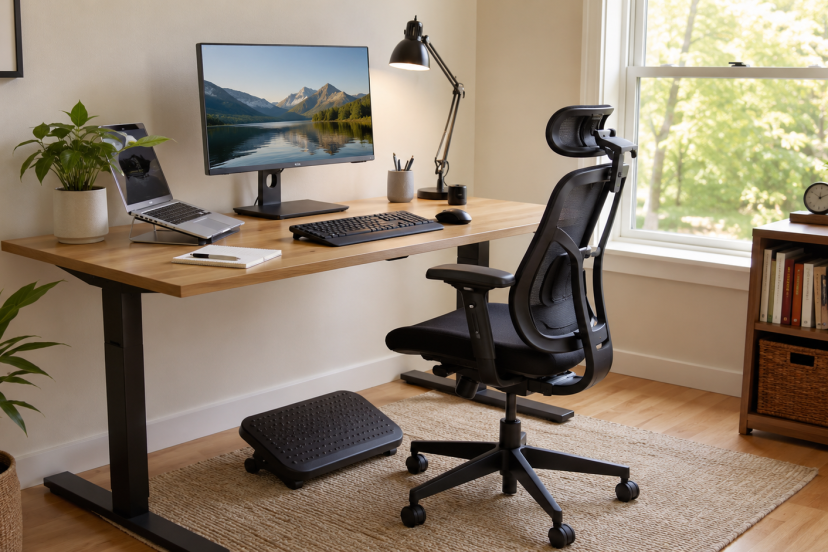
If your desk sits too high, raise your chair and use a footrest if needed.
If your desk is too low, consider inexpensive desk risers or furniture pads to elevate it.
A properly adjusted desk immediately reduces strain on your shoulders and upper back.
Create a Comfortable and Supportive Seating Setup
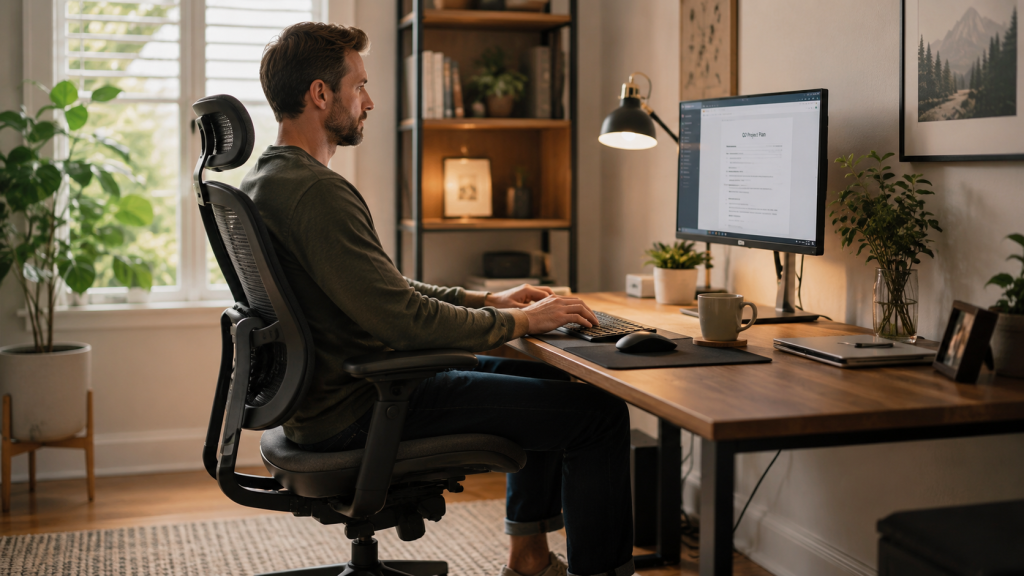
Your chair plays a huge role in your ergonomic home office.
However, you do not necessarily need a $1,000 ergonomic chair.
A budget-friendly chair can work well if it provides:
- Lower back support
- Adjustable height
- Stable seating position
- Comfortable cushioning
If your current chair lacks lumbar support, try placing a small cushion or rolled towel behind your lower back.
Simple Chair Adjustment Tips
- Keep feet flat on the floor
- Maintain knees at roughly hip level
- Sit fully back in the chair
- Avoid leaning forward for extended periods
These adjustments cost nothing but often provide immediate relief.
Position Your Monitor Correctly
Monitor placement is one of the most overlooked parts of an ergonomic setup.
When your screen sits too low, you naturally bend your neck forward.
Over time, this creates unnecessary strain.
Ideal Monitor Position
- Top of screen at or slightly below eye level
- Screen about an arm’s length away
- Monitor directly in front of you
- Minimal glare from windows or lighting
Do not rush out and buy a monitor stand.
Many remote workers successfully raise screens using sturdy books or storage boxes.
In many cases, small fixes can make a bigger difference than pricey equipment.
Improve Your Keyboard and Mouse Setup
Your hands, wrists, and forearms perform thousands of movements every day.
Poor positioning can increase fatigue and discomfort.
Keep your keyboard close enough that you do not need to reach forward.
Your mouse should sit next to your keyboard to minimize shoulder movement.
For even better comfort, consider upgrading to a dedicated ergonomic keyboard. A quality option can help maintain a more natural wrist position during long typing sessions.
You can learn more about choosing the right setup in this guide to a wireless ergonomic keyboard for comfortable typing.
Wrist Position Matters
Avoid:
- Bent wrists
- Raised shoulders
- Excessive reaching
Instead:
- Keep wrists straight
- Relax shoulders
- Keep elbows close to your body
These simple habits can reduce strain significantly.
Lighting and Workspace Organization on a Budget
Ergonomics is not only about posture.
Your environment also affects comfort and productivity.
Improve Lighting
Daylight can make your workspace feel brighter and easier on the eyes.
When you can, set up your desk where it gets soft, steady daylight.
If natural light is limited:
- Use a desk lamp
- Avoid harsh overhead lighting
- Reduce screen glare
Proper lighting helps reduce eye strain and headaches.
Organize Frequently Used Items
Place the things you use most often close enough so you do not have to stretch or twist.
This includes:
- Phone
- Notebook
- Water bottle
- Pens
- Headphones
Reducing repetitive reaching movements helps maintain better posture throughout the day.
Affordable Ergonomic Upgrades That Make a Big Difference
You do not need to buy everything at once. Start with the items that fix your biggest discomfort first. These five affordable products can make your ergonomic home office feel more comfortable and supportive.
1. Adjustable Foot Rest
A foot rest helps keep your feet supported, especially if your chair is too high.
Best for: Leg comfort and better sitting posture
Key benefits:
- Supports proper leg positioning
- Helps reduce lower back strain
- Includes an adjustable tilt design
2. Everlasting Comfort Lumbar Support Pillow
A lumbar pillow adds support to chairs that do not properly support your lower back.
Best for: Lower back support
Key benefits:
- Improves lumbar support
- Fits most office chairs
- Uses memory foam for comfort
3. Logitech MK550 Wireless Keyboard and Mouse Combo
This keyboard and mouse combo can help create a more relaxed hand and wrist position while working.
Best for: Comfortable typing and daily office work
Key benefits:
- Offers a more comfortable typing experience
- Keeps your desk cleaner with wireless convenience
- Features an ergonomic keyboard design
4. Nulaxy Laptop Stand
A laptop stand raises your screen closer to eye level, which can help reduce neck strain.
Best for: Laptop users
Key benefits:
- Raises your laptop screen to a better height
- Supports improved neck posture
- Folds for easy storage and portability
5. HUANUO Monitor Stand Riser
A monitor riser improves screen height while also giving you extra space under your monitor.
Best for: Monitor positioning and desk organization
Key benefits:
- Helps place your monitor at eye level
- Adds extra storage space
- Offers an affordable ergonomic upgrade
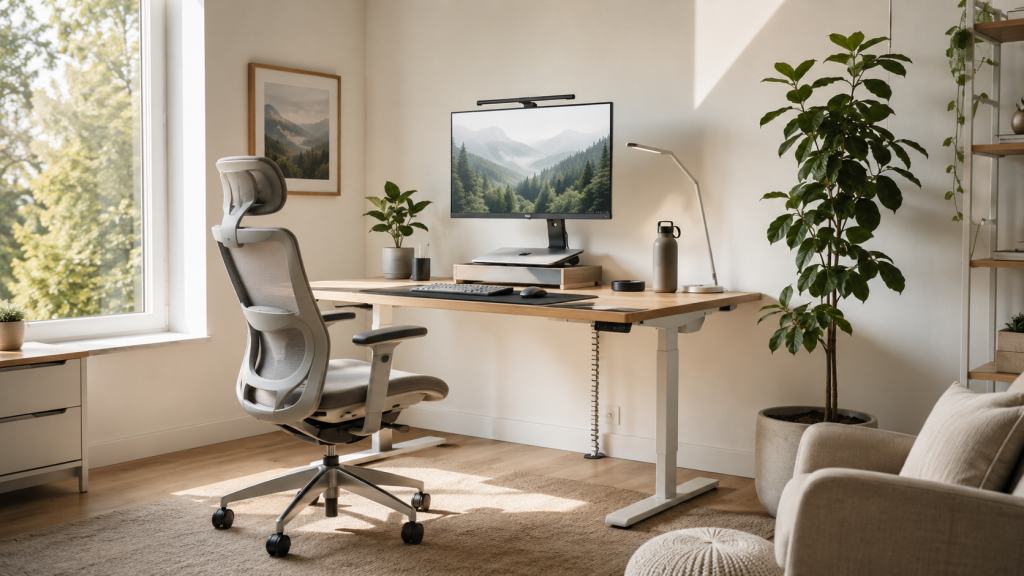
How Ergonomic Adjustments Can Reduce Workday Discomfort
You do not need a high-end setup to make your home office more comfortable. In many cases, small ergonomic changes can make a real difference.
One randomized controlled trial found that ergonomic workstation adjustments helped reduce pain intensity among office workers, especially in areas like the neck, shoulders, upper back, and wrists. This supports simple budget-friendly changes such as adjusting your chair height, placing your monitor at eye level, keeping your keyboard close, and supporting your lower back.
Movement also matters. A BMJ study on the SMArT Work program found that sit-stand workstations helped office workers reduce sitting time over the short, medium, and longer term. The study also reported positive changes in work-related health, psychological well-being, and job performance.
That does not mean you need to buy a costly standing desk right away. However, it does show why taking regular standing breaks, stretching between tasks, or using an affordable desk converter can improve the way your ergonomic home office feels day after day.
Conclusion
Building an ergonomic home office does not require expensive furniture or a complete room makeover. Start with the basics. Adjust your chair, improve monitor placement, organize your workspace, and focus on supporting natural posture. Then add affordable upgrades as your budget allows. The goal is creating a workspace that helps you feel comfortable, focused, and productive throughout the day. Small improvements today can prevent bigger aches and pains tomorrow.
FAQs
1. What is the most important part of an ergonomic home office?
Proper chair support and monitor positioning usually provide the biggest impact. These two factors influence posture throughout the workday.
2. Can I create an ergonomic home office without buying new furniture?
Yes. Many ergonomic improvements involve adjusting existing furniture, using cushions, raising monitors with books, and improving workspace organization.
3. How frequently should you stand up or move during the workday?
Experts generally recommend standing, stretching, or walking briefly every 30 to 60 minutes.
4. Is a standing desk necessary?
No. A standing desk can be helpful, but proper sitting posture and regular movement breaks are often more important.
5. How much does it cost to build a budget ergonomic home office?
Many people can make meaningful improvements for under $100 by focusing on accessories such as lumbar cushions, monitor risers, footrests, and ergonomic input devices.