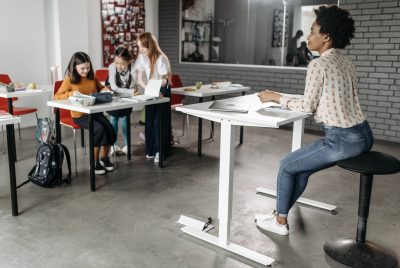
Ergonomic Shelving Ideas for a Healthier Office Setup
We may earn a commission for purchases made using our links. Please see our disclosure to learn more.
Ever feel like your office shelves are making you work harder than they should? Reaching too high, bending too low, or twisting for everyday supplies can quickly become uncomfortable. Ergonomic shelving keeps the items you use most within easy reach while helping your workspace feel cleaner and more organized. In this guide, you’ll find practical shelving ideas, placement tips, and product suggestions for creating a healthier office setup.
What Makes Shelving Ergonomic?
Ergonomic shelving is positioned and organized to reduce unnecessary bending, stretching, shoulder lifting, and trunk rotation. It should support your workflow rather than force your body to work around the furniture.
Research on shelf-picking tasks found that shelf height changed back and shoulder posture as well as muscle activity. Very low shelves placed more demand on the back, while high shelves increased shoulder demands. Research on ergonomic shelf-slotting guidelines supports placing items according to weight and frequency of use instead of treating every shelf equally. le Reach Zones
Before buying shelves, divide your workspace into three zones.
Primary Reach Zone
This is the area you can reach while keeping your elbows near your sides. Store items you use constantly here, including pens, notebooks, charging cables, and your headset.
Secondary Reach Zone
This area requires a slight arm extension but should not make you lean forward. It works well for folders, reference books, printer paper, and less frequently used tools.
Occasional-Use Zone
High shelves, low shelves, and storage behind you belong here. Use them for archives, spare equipment, seasonal supplies, or lightweight décor.
Match Shelf Height to Weight and Use
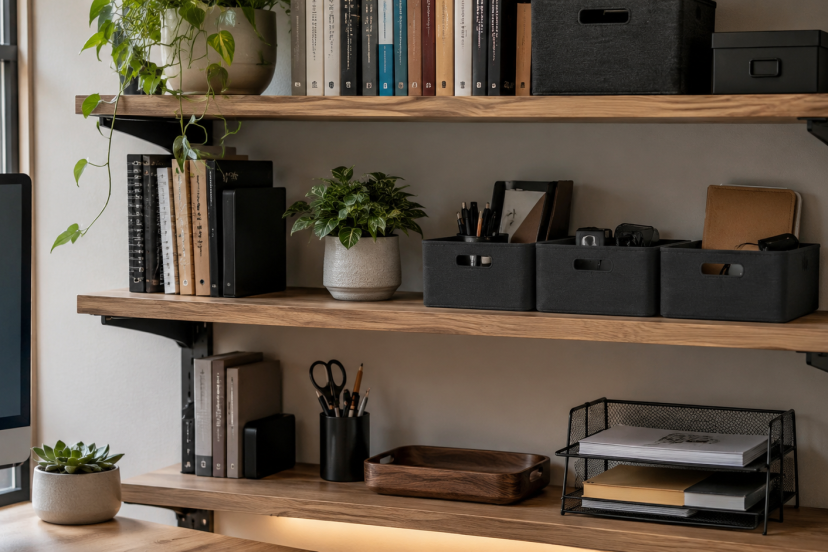
Place frequently handled items between waist and shoulder height whenever possible. This range generally reduces deep bending and repeated overhead reaching.
A field study of supermarket stocking found that lifting from low positions to high positions created the highest low-back workload, while high positions increased neck and shoulder workload. Office supplies are often lighter, but the principle still applies. Avoid putting paper boxes on the floor or heavy equipment above shoulder level.
The study on lifting height and muscular workload shows why weight and location should be considered together. reams of paper, and small appliances on sturdy middle or lower shelves. Reserve upper levels for light items you rarely use.
Use Wall Shelves Without Overreaching
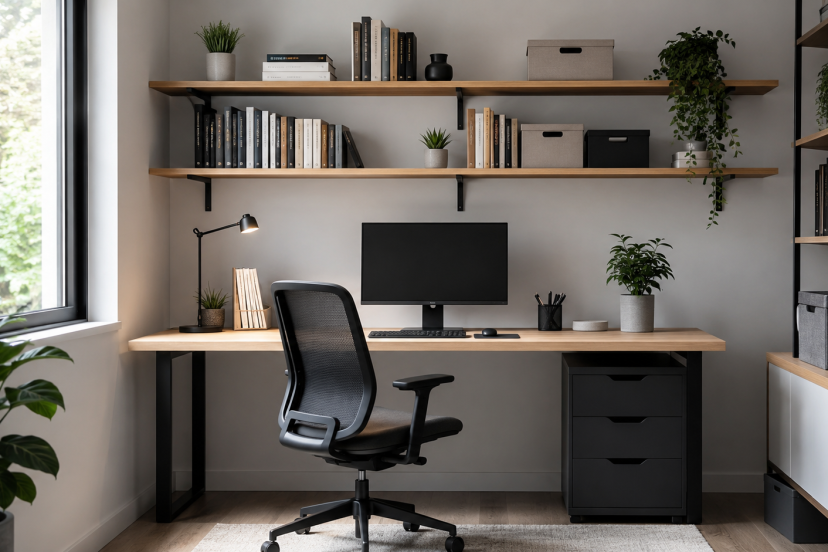
Floating shelves work well in small offices because they use empty wall space and keep the floor clear. However, mounting them too high turns simple storage into a shoulder workout.
Install the lowest shelf where you can reach it without lifting your shoulder toward your ear. Use higher levels for lightweight décor, backup supplies, or labeled containers that you access occasionally.
Add a Desktop Shelf for Daily Supplies
A compact desktop shelf creates vertical storage without moving essentials far from your hands. It is especially useful when your desk has no drawers.
Choose a model that leaves enough space for your keyboard, monitor base, and mouse movement. A shelf that crowds your working area is not ergonomic, even if it holds an impressive mountain of sticky notes.
A monitor riser with storage can serve two purposes by raising the screen and creating space underneath. Our guide to choosing an ergonomic monitor stand explains how height, stability, desk depth, and storage affect the setup.
Clamp-on shelves attach to the back or side of a desk and add storage without occupying much surface space. They suit rental homes and compact offices because many models require no wall drilling.
Use one for speakers, stationery, a docking station, or light reference materials. Before buying, check desk thickness, clamp clearance, capacity, and compatibility with monitor arms or cable trays.
Move the Printer Off Your Main Desk
Printers often consume valuable desk space even when used only a few times per day. A printer cart or side shelf can hold the machine, paper, and ink together.
Place the unit beside your desk rather than directly behind your chair. Repeatedly turning for paper encourages trunk twisting. A rolling cart lets you pull supplies closer during a large job and move them away afterward.
Use Corners for Occasional Storage
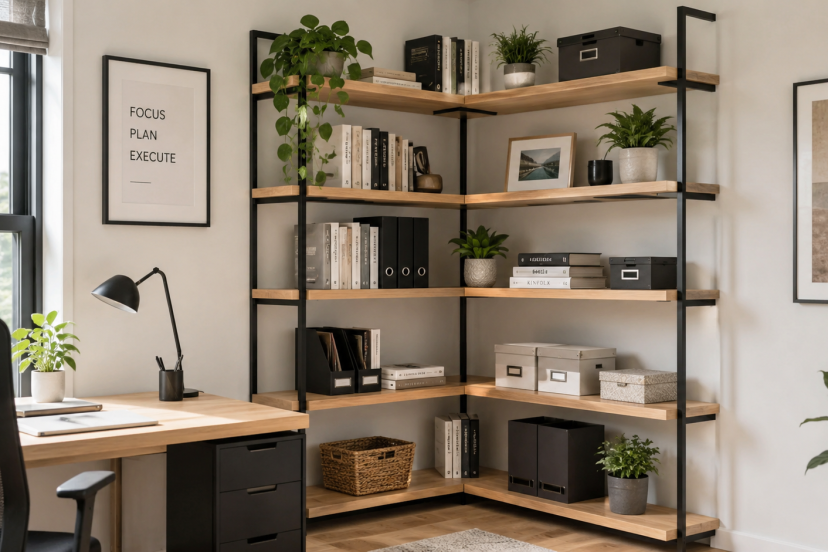
A narrow corner shelf uses awkward floor space without blocking movement around the desk. It is ideal for manuals, plants, baskets, and extra supplies.
Keep commonly used items on the middle shelves. Place heavier objects lower and lightweight décor higher.
Keep Shelving Compatible With the Whole Setup
Shelves should work with your chair, desk, monitor, and movement habits as one system. Measure shelf depth, drawer clearance, walking space, and the area required to move your chair.
In a small office, multifunctional storage often beats a large bookcase. A monitor riser with a drawer, mobile printer cart, or narrow wall shelf may solve several problems at once.
For more planning ideas, see this guide to building an ergonomic home office on a budget. It covers practical upgrades that improve comfort without replacing every piece of furniture. quency, Not Appearance
Put the most-used item at the front of each shelf. Group related supplies in shallow bins, and label containers that sit above eye level. Transparent bins improve visibility, while opaque bins make visual clutter disappear.
Review the setup after one week. Anything repeatedly left on your desk probably needs a closer storage location.
Do Not Ignore Safety
Anchor tall freestanding shelves when the manufacturer recommends it. Stay within stated weight limits and distribute heavier items across lower levels.
Keep shelf edges away from walkways and standing head space. Route cables so they do not hang from elevated shelves or pull devices toward an edge.
For wall-mounted units, use fasteners suited to the wall material. Drywall anchors, masonry hardware, and stud-mounted screws are not interchangeable. Consider professional installation for substantial loads.
Our Top Ergonomic Shelving Picks
Product availability and specifications may change, so check the latest dimensions, weight limits, mounting requirements, and compatibility before ordering.
1. Jerry & Maggie Desktop Organizer Office Storage Rack
This adjustable two-piece organizer can be extended, overlapped, or positioned at an angle. It provides convenient storage for books, notebooks, stationery, and other small office supplies.
2. VIVO 13-Inch Clamp-On 3-Tier Shelving Unit
This clamp-on unit adds three compact storage levels above or below the edge of your desk. It is a practical choice for small offices, rental spaces, or workstations where drilling into the wall is not an option.
3. Simple Houseware Dual Monitor Stand Riser With Drawer
This monitor riser combines screen elevation with a drawer and open storage space. It helps clear smaller accessories from your desktop while providing room underneath for notebooks, cables, or a keyboard.
4. SONGMICS 3-Tier Printer Stand With Wheels
This mobile storage unit keeps your printer, paper, ink, and other supplies together in one convenient location. Its multiple tiers and locking wheels make it useful for offices that need flexible storage beside the desk.
5. Furinno Turn-N-Tube 5-Tier Corner Display Rack
This narrow corner shelf uses vertical space without taking up much floor area. It is a practical option for small home offices where a traditional bookcase may feel too large or bulky.
Conclusion
Ergonomic shelving helps you keep your office organized without adding extra strain. Place frequently used items within easy reach, store heavier supplies at comfortable heights, and use upper or lower shelves for things you rarely need. The best setup is simple: shelves should make your workday easier, not force you to bend, stretch, or twist more than necessary.
FAQs
What is the best height for ergonomic office shelves?
Frequently used items should sit where you can reach them without deep bending or raising your arms overhead. For many people, that means somewhere between waist and shoulder height. However, your height, mobility, and working position should guide the final placement.
Are floating shelves good for office ergonomics?
Yes, when installed at a comfortable height. They free floor and desk space and can keep occasional supplies organized. Shelves mounted too high, however, may encourage repeated overhead reaching and shoulder lifting.
Should heavy items go on high or low shelves?
Place heavy items on sturdy lower or middle shelves. Avoid putting them directly on the floor if doing so requires deep bending. You should also avoid high storage that requires lifting a heavy object near or above shoulder height.
Can a monitor riser count as ergonomic shelving?
Yes. A monitor riser with built-in storage can improve organization and screen height at the same time. However, it must position the screen correctly for your eyes, posture, and desk depth.
How deep should an office shelf be?
Choose enough depth to support the item without intruding into your working or walking space. A desktop shelf should not push your monitor too close, restrict mouse movement, or leave sharp edges in your normal arm path.